

How to scan the Badger R&D Tower landmark in GTA VI
Sources checked
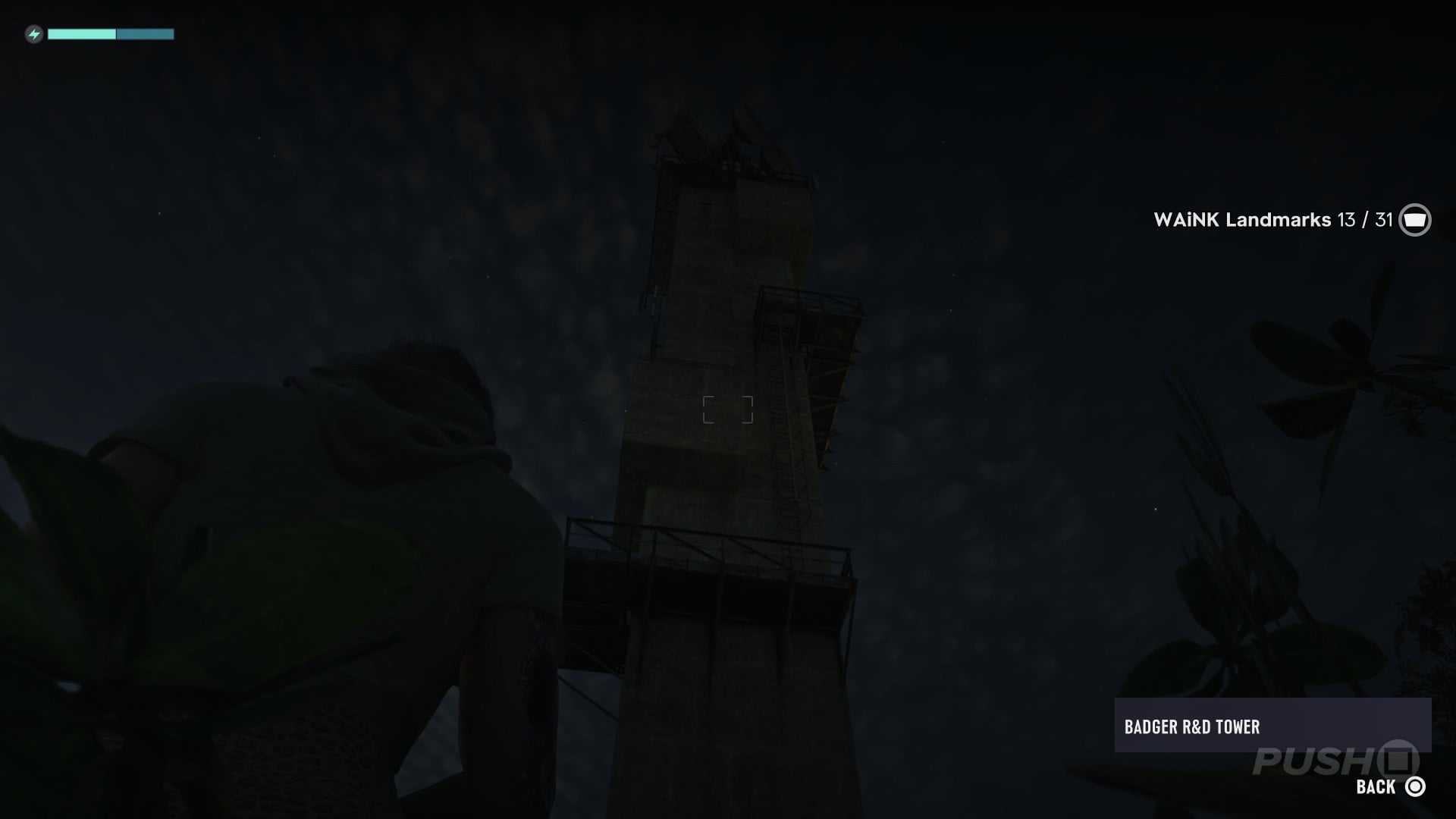
On Sunset Drive in Key Lento, stand across from Donny’s trailer and look up at the concrete communications tower. Scan it with the WAiNK app on your character’s phone. Look for Badger R&D Tower in the lower right and the WAiNK Landmarks count on the right. You can do the scan from the ground.
Find the tower on Sunset Drive
If the scanner is missing from your phone, play through Unwanted Attention in Chapter 1. PC Gamer reports that Cal helps Jason install the app during that mission.
In Key Lento, follow Sunset Drive to Donny’s trailer. Look across the road for a tall concrete shaft with metal platforms, an outside ladder and antennas on top. Push Square’s map shows the tower on the west side of the divided highway. Its screenshot shows the character looking up from beside the tower.
Make your first WAiNK landmark scan
PowerPyx reports a vibration, a sound and a nearby-scan alert in the lower right as you approach a scannable object. That alert tells you to look around. The named result comes after the scan.
- On the PlayStation layout, hold Up on the D-pad to open WAiNK.
- Point the phone up the tower. Look for the WAiNK starburst on the target, line up the brackets and use R1 to scan.
- Check the result. Push Square’s capture shows Badger R&D Tower in the lower right and a WAiNK Landmarks total on the right. Your total depends on which landmarks you already scanned.
Why is my landmark scan not counting?
On PS5, press the touch pad, open Progress, then choose Collections → WAiNK Locations → Landmarks. Look for Badger R&D Tower. If all you saw was the nearby alert, return to the tower and scan until its name appears.
If your result said The Wonder Whale, you scanned a different object. The whale outside the artist village on Surfside Drive is a sculpture. Check Sculptures under WAiNK Locations for that scan, then return to Sunset Drive for the tower.