How to run and sprint in GTA VI on PS5
Sources checked
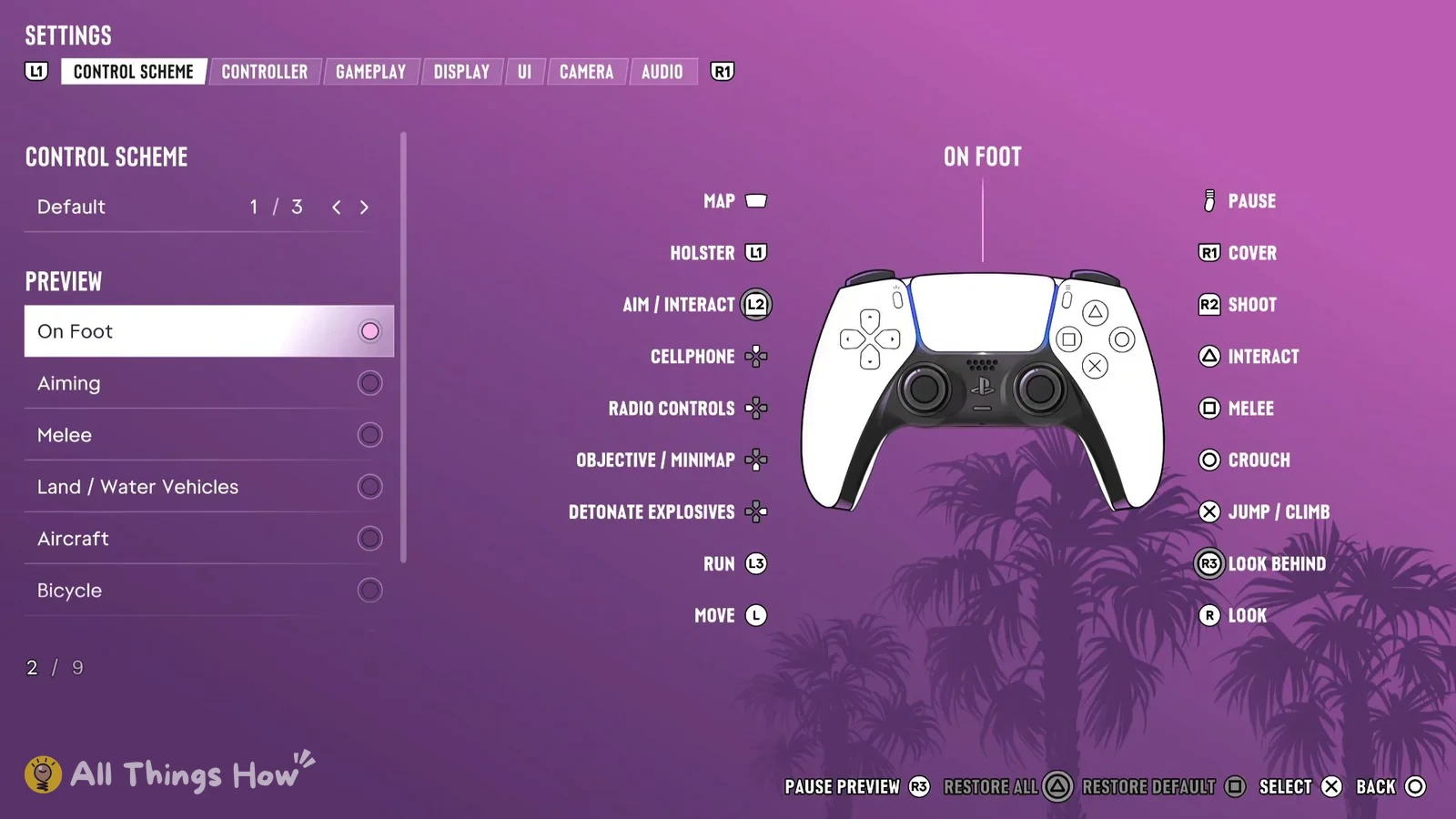
With GTA VI’s Default layout, move the left stick and press it inward once to run. Press it inward again to sprint. The controller labels this click L3. If Cross (X) makes your character jump and you want it to run instead, switch the game to Classic.
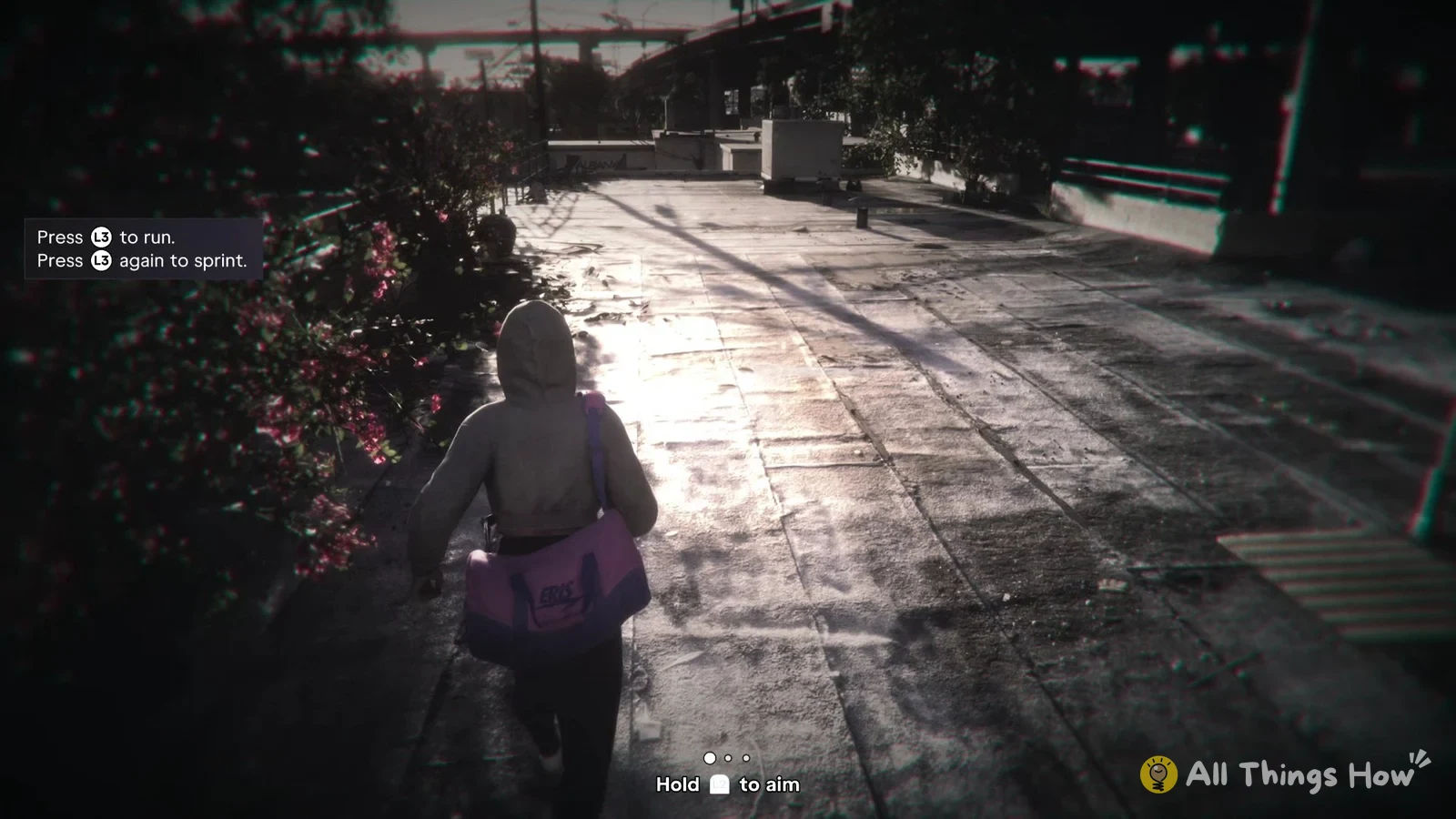
Press L3 to run, then press it again to sprint
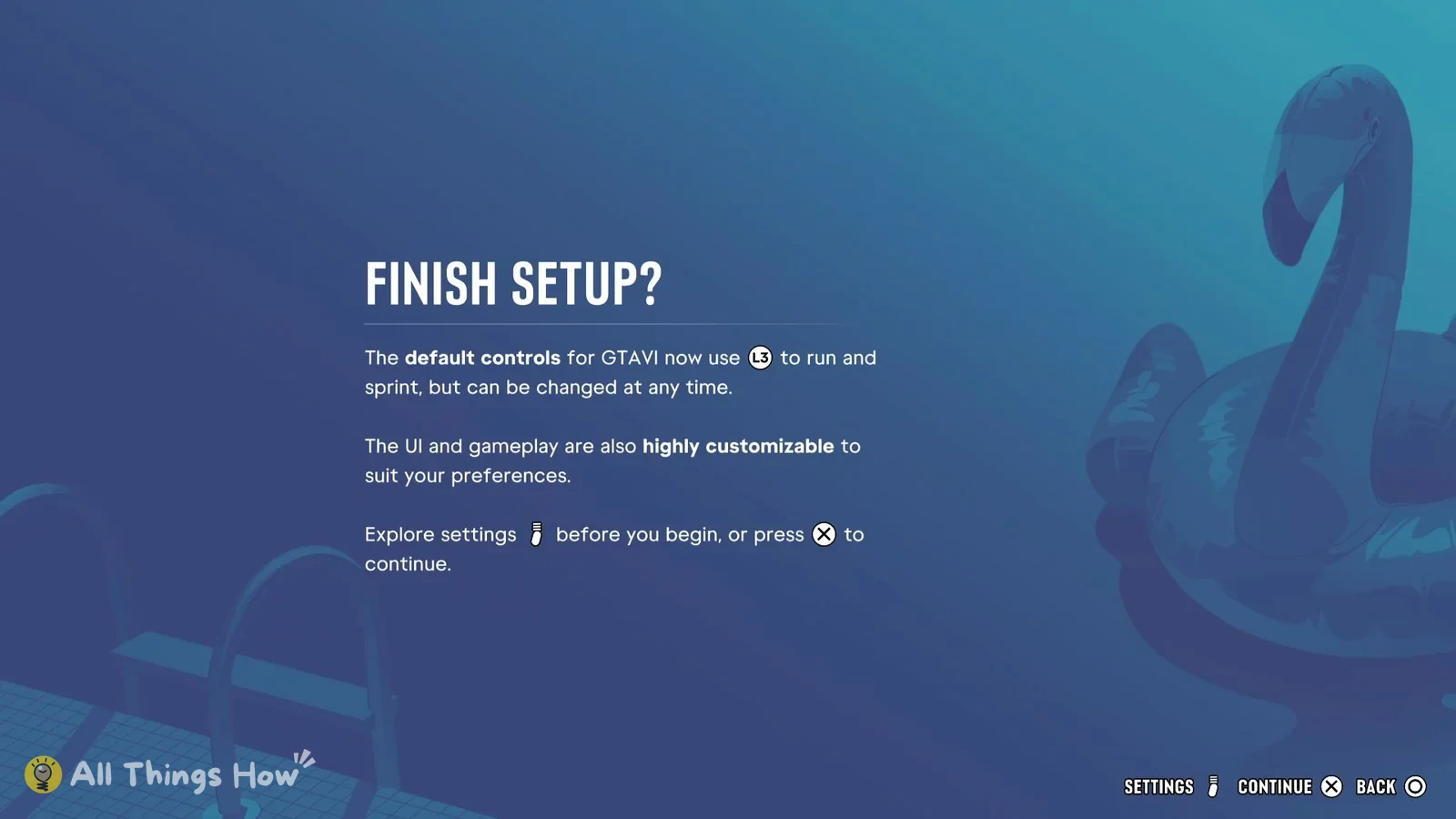
The PS5 setup screen introduces L3, and the in-game help prompt captured by All Things How shows the second press for sprint. Try it on foot while moving. If your controls behave differently, pause and look at your current scheme before changing a PlayStation-wide button assignment.
Switch to Classic controls to run with X
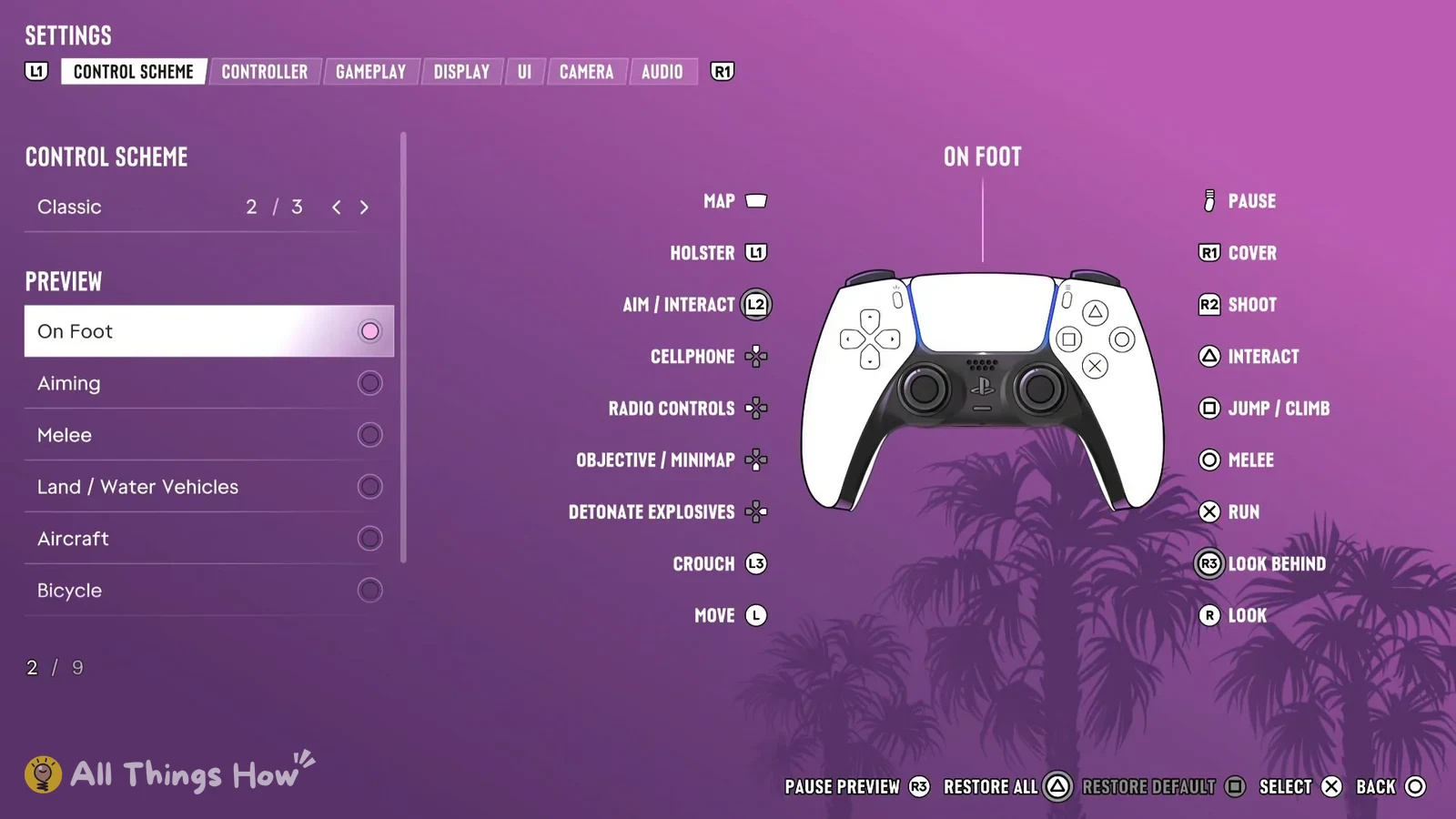
Press Options and open Settings → Control Scheme. Select Classic and choose On Foot under Preview. Look for Run beside Cross (X). The same diagram shows Jump / Climb on Square and Crouch on L3. Back in the game, test Cross while moving on foot.
Return to Default or change repeated presses
To restore the original layout, select Default in Control Scheme. In the On Foot preview, check for Run beside L3 and Jump / Climb beside Cross. If the button is comfortable but repeated presses are difficult, check GTA VI’s Tap Assist options before remapping your controller.