

How to skip cutscenes in GTA VI on PS5 and Xbox
Sources checked
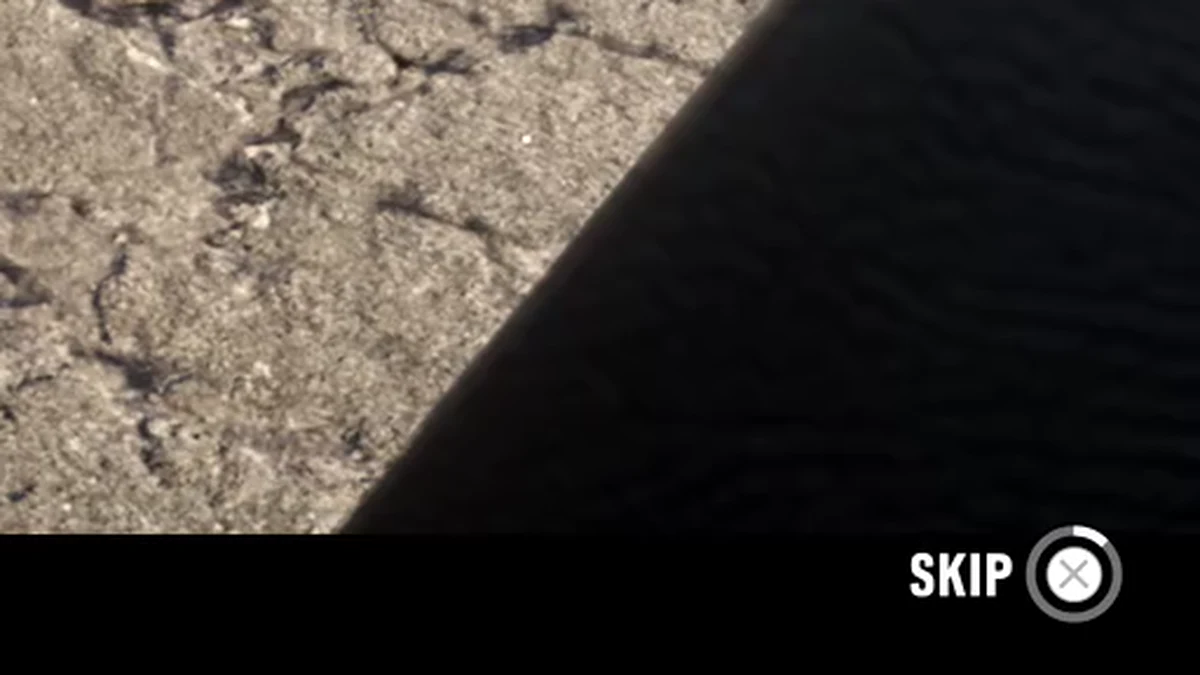
While a cinematic is playing, hold Cross (✕) on PS5 or A on Xbox. Watch the Skip indicator in the lower-right corner and keep the button down until the ring fills. A quick tap leaves the scene playing.
Hold the button while the cutscene plays
Use the control while the scene is on screen. In How To Video Game’s PS5 recording, the Cross symbol sits inside a ring beside Skip. The arc grows while the player holds Cross. Release it before the ring closes if you want to keep watching. The publication gives A as the Xbox equivalent.
Find the objective after a skipped scene
Once you control your character, tap Down on the directional pad for the current objective. For recent spoken clues, pause and open Map, then Brief. Choose Dialogue for a line or Objective Text for a written instruction. Brief lets you read entries the game logged. To watch an earlier scene again, check whether you kept a manual save from before that mission. Protect your current progress in a separate slot before loading an older one.