

How to call your personal car in GTA VI with Joey or Scooter Bros
Sources checked
In Chapter 1, call Joey from Jason’s contacts to bring back the Ganado. After the Moses mission in Chapter 2, open Scooter Bros and select a registered vehicle. You can check how much delivery costs or mark the parked car on your map.
Chapter 1: call Joey for Jason’s Ganado
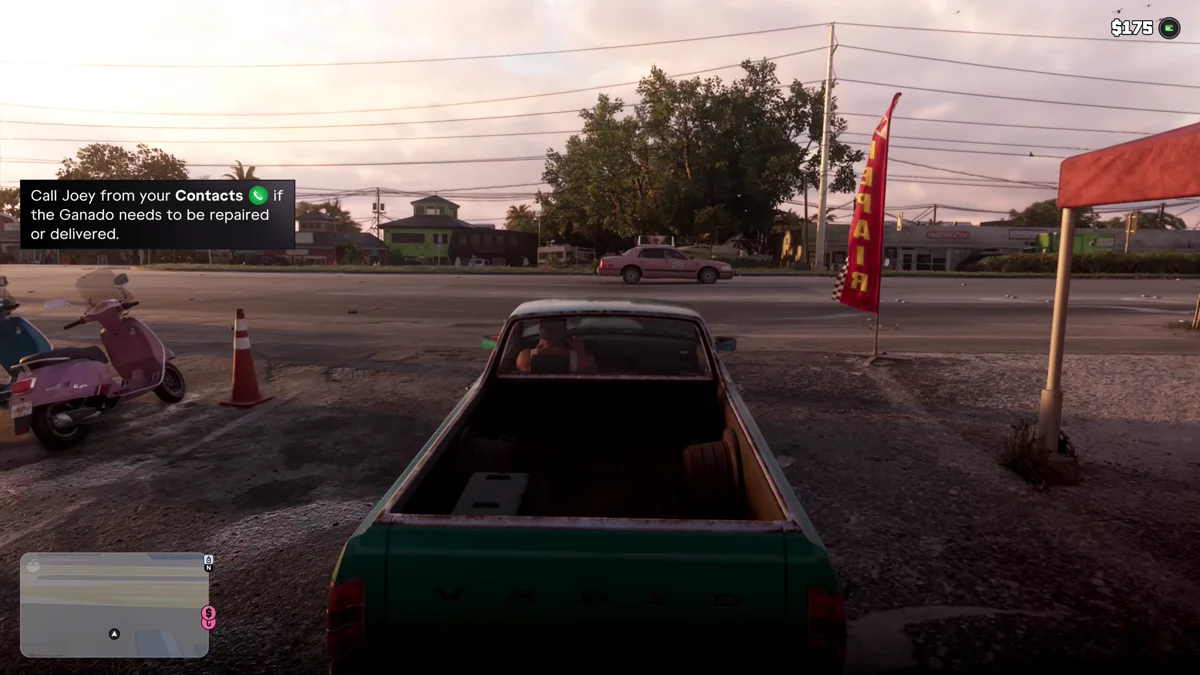
Once Joey from Coastal Auto Care has contacted Jason, open the phone with Up on the D-pad. Choose Contacts, select Joey and call. The tutorial outside the shop names the Ganado as the pickup he can repair or deliver. Use this route while the story is still introducing the phone apps.
Chapter 2: open Scooter Bros and find your registered car
PowerPyx traces the app to the Moses mission in Chapter 2. After registering the first vehicle, look for the Scooter Bros installation notice with a green car icon. Open the app and choose the year and model you want under My Vehicles. Request applies to the vehicle named at the top of that screen.
- If the car you drove is missing from the list, check whether you have registered it as a personal vehicle.
- To pick up a parked car yourself, scroll below the delivery and Premium options and choose Set Destination. Follow the marker to the car.

Read the BuckMe delivery fee and find the arriving car
Check the vehicle name, the total beside Request and the breakdown beneath it. GTA6DATA’s screenshot shows a $129 in-game quote for a ’98 Burrito. It includes a $100 base rate and $29 for distance. The player left that screen without ordering. How To Video Game reports a different quote for a ’72 Tulip that also included repairs.
- If the price works for you, choose Request to pay the displayed amount through BuckMe. Upgrade to Premium is a separate option.
- Look for the delivered vehicle nearby on the minimap. Once you reach it, you can check its condition at the hood or open the trunk for a packed outfit.
