How to shave Jason’s beard at the mirror in GTA VI
Sources checked
Use the mirror in the safehouse bathroom to trim Jason’s beard. If a beard style is locked with “Current hair is too short,” you can choose a longer beard at a barber. The in-game menus show you which styles are available before you commit.
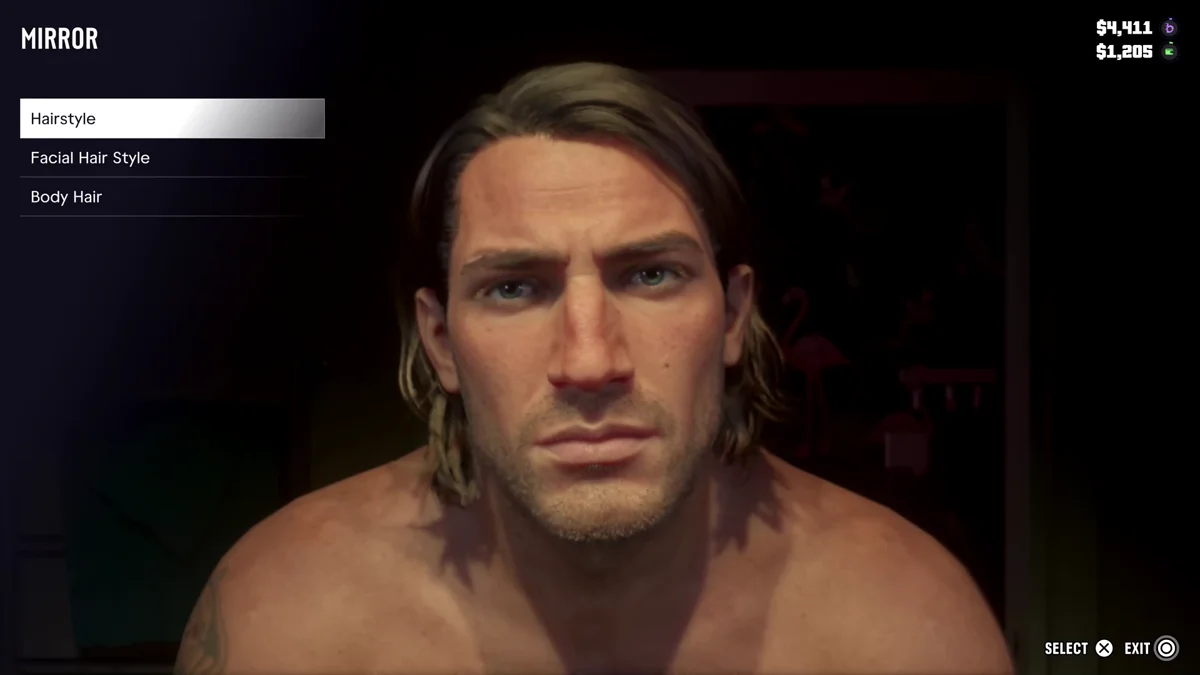
Open Facial Hair Style at the bathroom mirror
In How To Video Game’s PS5 session, Freshen Up at the sink made Jason wash. To shave, face the mirror and press Triangle when Use appears. Choose Facial Hair Style, the middle option between Hairstyle and Body Hair, with Cross.
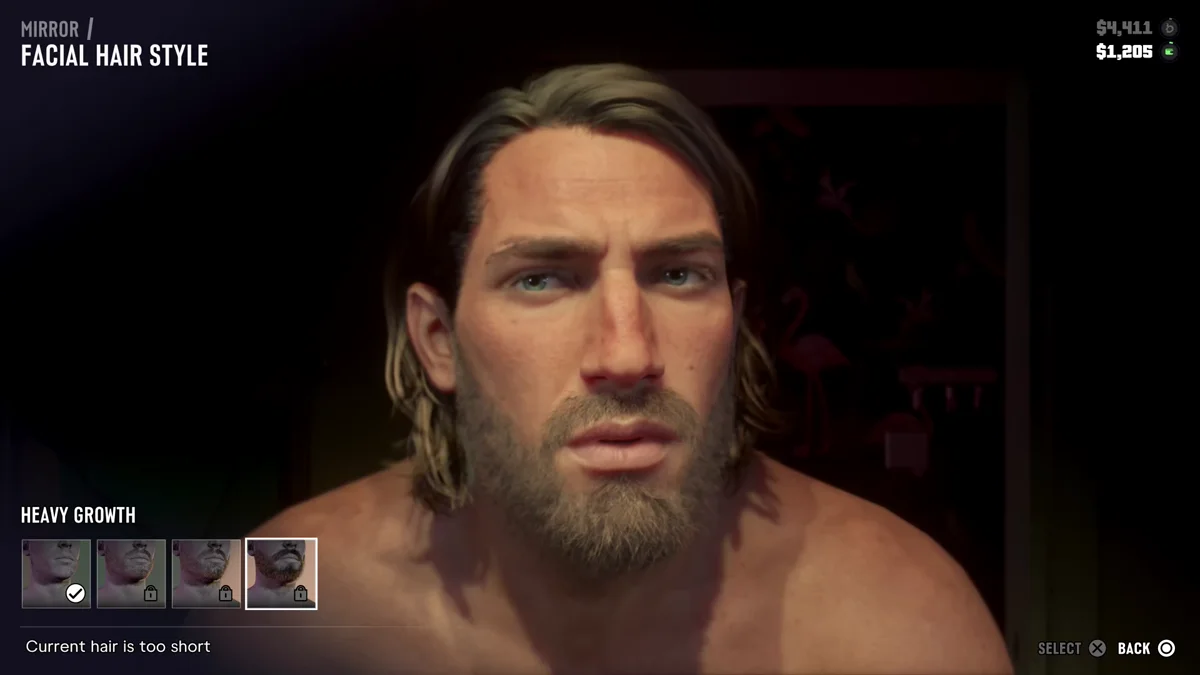
Why does the mirror say Current hair is too short?
The check mark identifies the style Jason is wearing. Move across the thumbnails to preview a trim. A padlock and the message “Current hair is too short” mean the mirror cannot apply that length to his current beard. You can still see the preview on his face.
- For a shorter beard, highlight an available style and use Cross to select it. To leave his current beard as it is, press Circle to go back.
- For a fuller beard, leave the mirror and take Jason to a barber. You can check the actual style there before making any change.
Preview a longer beard at the barber
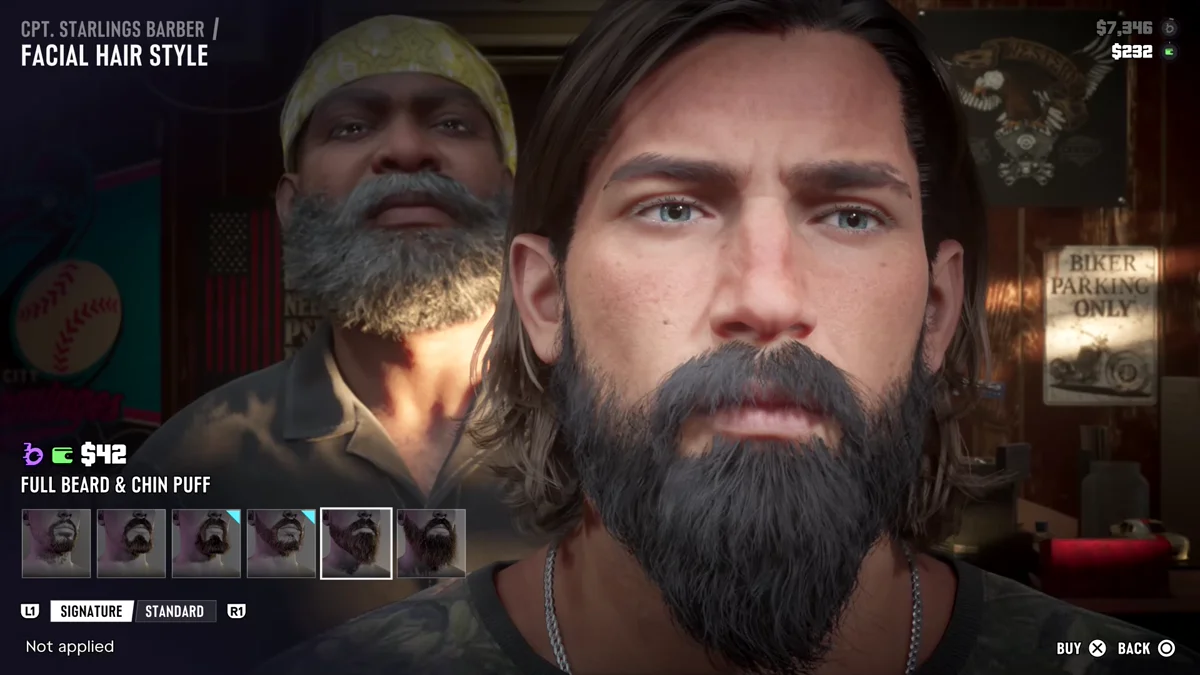
At the chair, open Facial Hair Style. On PS5, L1 and R1 switch between Standard and Signature. Highlight a style and read the price next to it. The preview changes as you browse. Press Cross on Buy to spend the displayed in-game amount, or Circle on Back to leave the preview.
- For example, How To Video Game photographed Full Beard & Chin Puff on the Signature tab at Captain Starling’s Barber. The menu showed $42 and Not applied. Check the selection and price at the shop you visit.