How to study your first bird from Jason’s deck in GTA VI
Sources checked
Take Jason’s binoculars onto the back deck of his Key Lento house. Look over the water for a bird, hold Study when the prompt appears, then check which species you recorded under Progress → Animals → Birds.
Look for a bird from Jason’s back deck
At Jason’s house in Key Lento, walk past the TV and through the sliding glass door onto the wooden deck. Face the water and scan the nearby docks. On his first visit, Audubon writer Nicholas Lund spotted Brown Pelican and Laughing Gull from the deck. He also found a Herring Gull perched on the neighboring dock to the south. Look for whichever bird is visible on your visit.
Use binoculars and hold Study on the bird
Select the binoculars from the weapon wheel. Center the bird and use D-pad Up to zoom if it is too far away to identify. In GamesRadar’s PS5 capture the bird on the water is labeled Pelican and the Study prompt appears in the lower right.
- Keep the bird in view. When Study appears, hold R1 on PS5 or RB on Xbox until the ring fills. Follow the on-screen binding if you use a different control layout.
- Watch for the full species name. If the bird moves out of view before you finish, find it in the binoculars again. If you already recognize the name, check your Birds entries before trying another bird.
Check the species under Progress → Animals → Birds
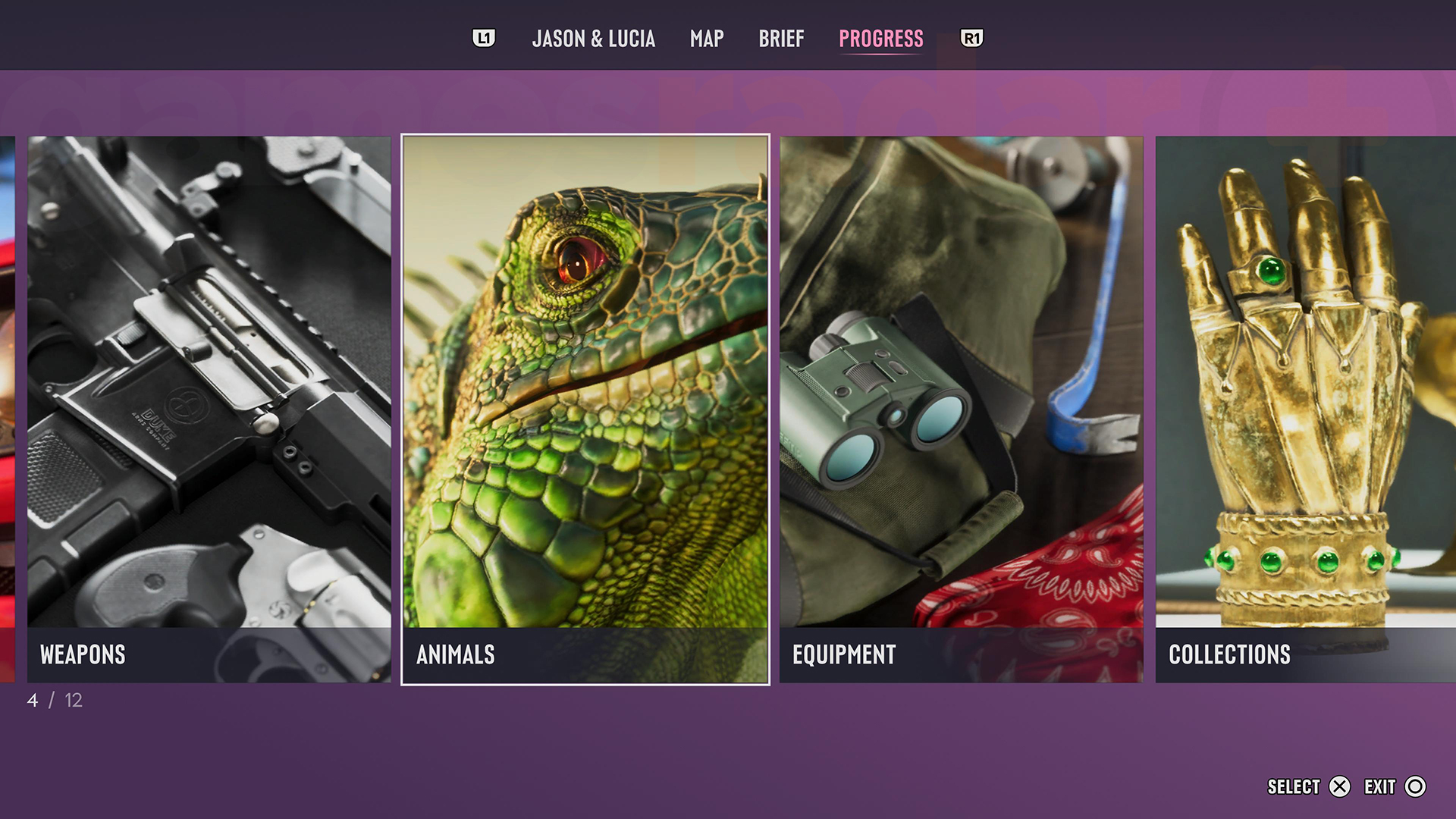
Pause the game, open Progress and select the Animals tile with the green lizard. Switch to Birds. Select an illustrated tile to see its name and description. The lock symbols mark entries you still have to discover. Lund’s own screen shows American White Ibis selected, with its description on the right.
- Look for the species name that appeared after Study. An illustrated tile bearing that name confirms you have recorded the species.
- If the entry was already there before this sighting, look for a different bird for your next discovery.